Kantar Audio Watermarking
Hybrik supports Kantar audio watermarking within Transcode tasks. It will be also supported within the Dolby Audio encoder task, but only in the case of encoding Dolby Atmos Masters (ADM BWF / MXF IAB) into DD+ JOC outputs. To use Kantar audio watermarking, you must first acquire a license from Kantar Media.
In order to get a watermarking embedding license, please contact Kantar Media support at https://www.kantarmedia.com/watermarkinghelpdesk with following information:
- Product name and version
- Customer name
- Country
- If different, country of broadcast
- Channel(s) to be watermarked
Configuration
Kantar watermarking can be added as a filter to a Hybrik transcode task. You must provide the credentials supplied by Kantar Media; if a results_file location is provided, the Kantar watermarking log will be written to that location.
Here is an example audio target with Kantar audio watermarking enabled:
"audio": [
    {
        "layer_id": "audio",
        "codec": "aac",
        "channels": 2,
        "sample_rate": 44100,
        "bitrate_kb": 96,
        "filters": [
            {
                "kind": "kantar_watermarking",
                "payload": {
                    "username": "{{kantar_username}}",
                    "password": "{{kantar_password}}",
                    "content_id": "test",
                    "channel_name": "tv1",
                    "license_id": "{{kantar_license_id}}",
                    "offset": 10,
                    "port": 443,
                    "url": "licenseofe.kantarmedia.com",
                    "metadata": {
                        "metadata_3": "test_3",
                        "metadata_4": "test_4",
                        "metadata_5": "test_5",
                        "metadata_6": "test_6",
                        "metadata_7": "test_7",
                        "metadata_8": "test_8"
                    },
                    "results_file": {
                        "location": {
                            "storage_provider": "s3",
                            "path": "{{destination_path}}"
                        },
                        "file_pattern": "log_kantar.xml"
                    }
                }
            }
        ]
    }
]
Kantar watermarking can also be added as a filter to a Hybrik Dolby Audio encoder task and will be configured the same as in a transcode task.
Event Log
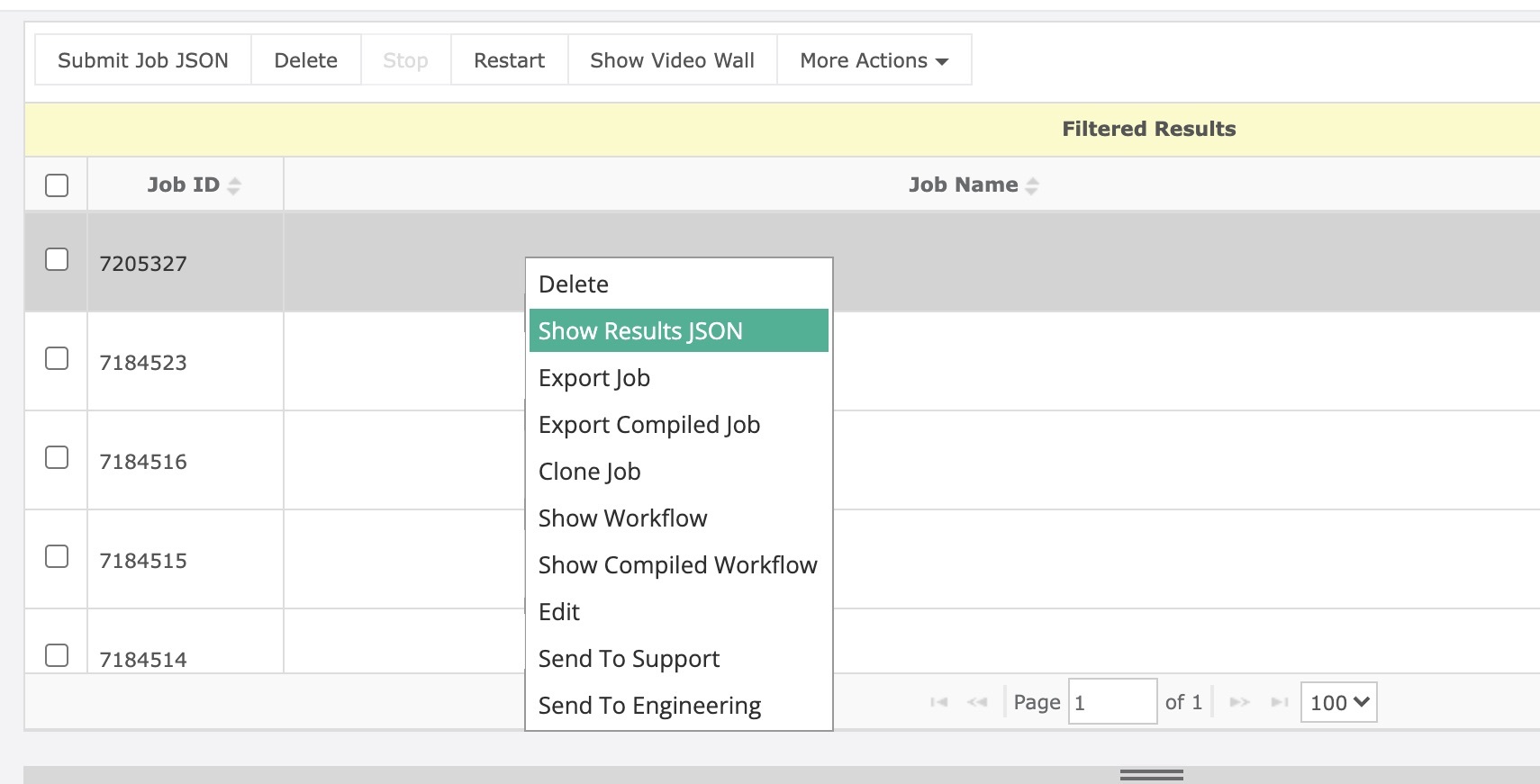
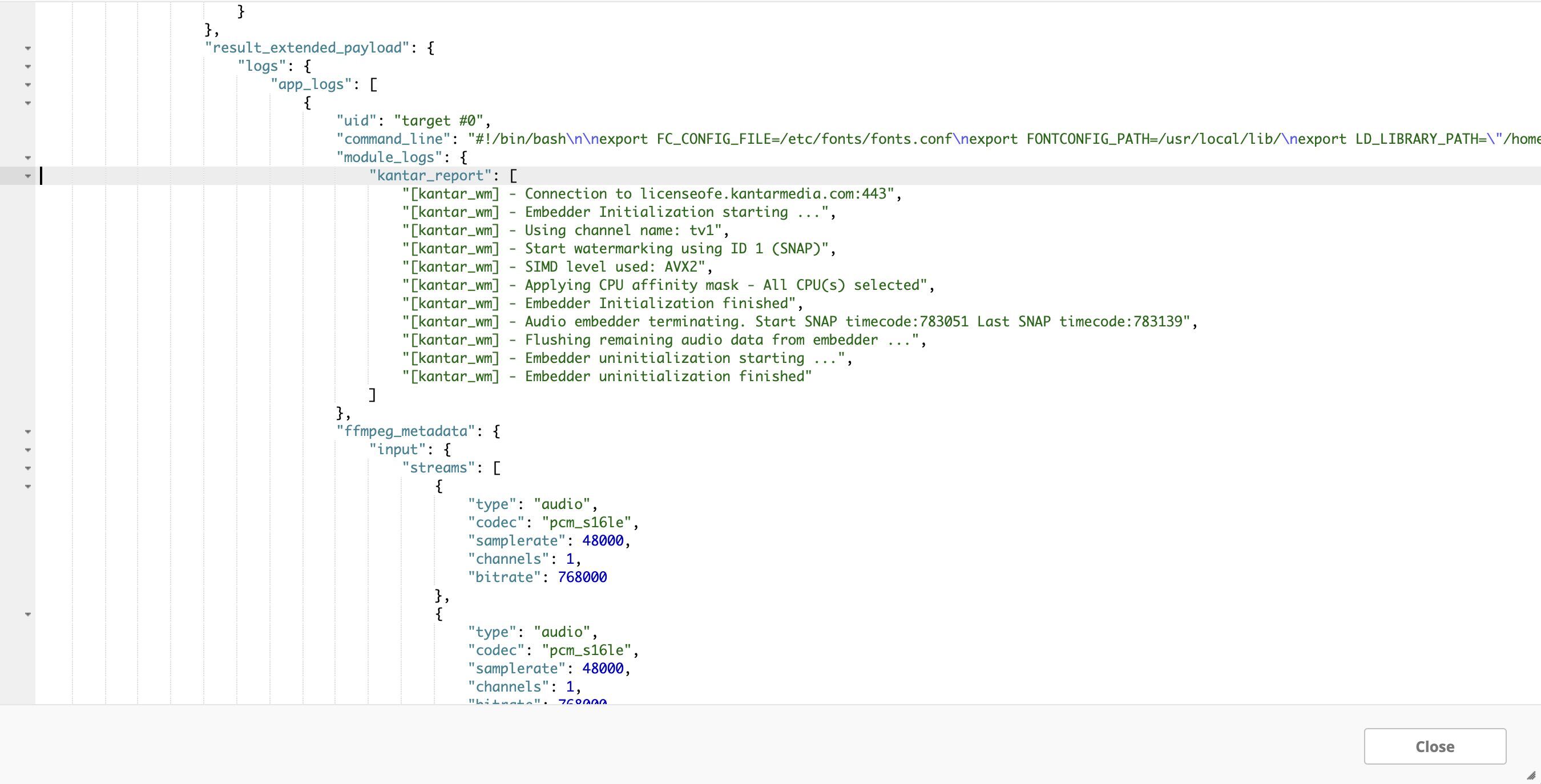
The Kantar embedder event log is included in the Hybrik job result. To view the event log, right click on a job and click "Show Results JSON." Search for kantar_report to show the event log from the Kantar embedder SDK.